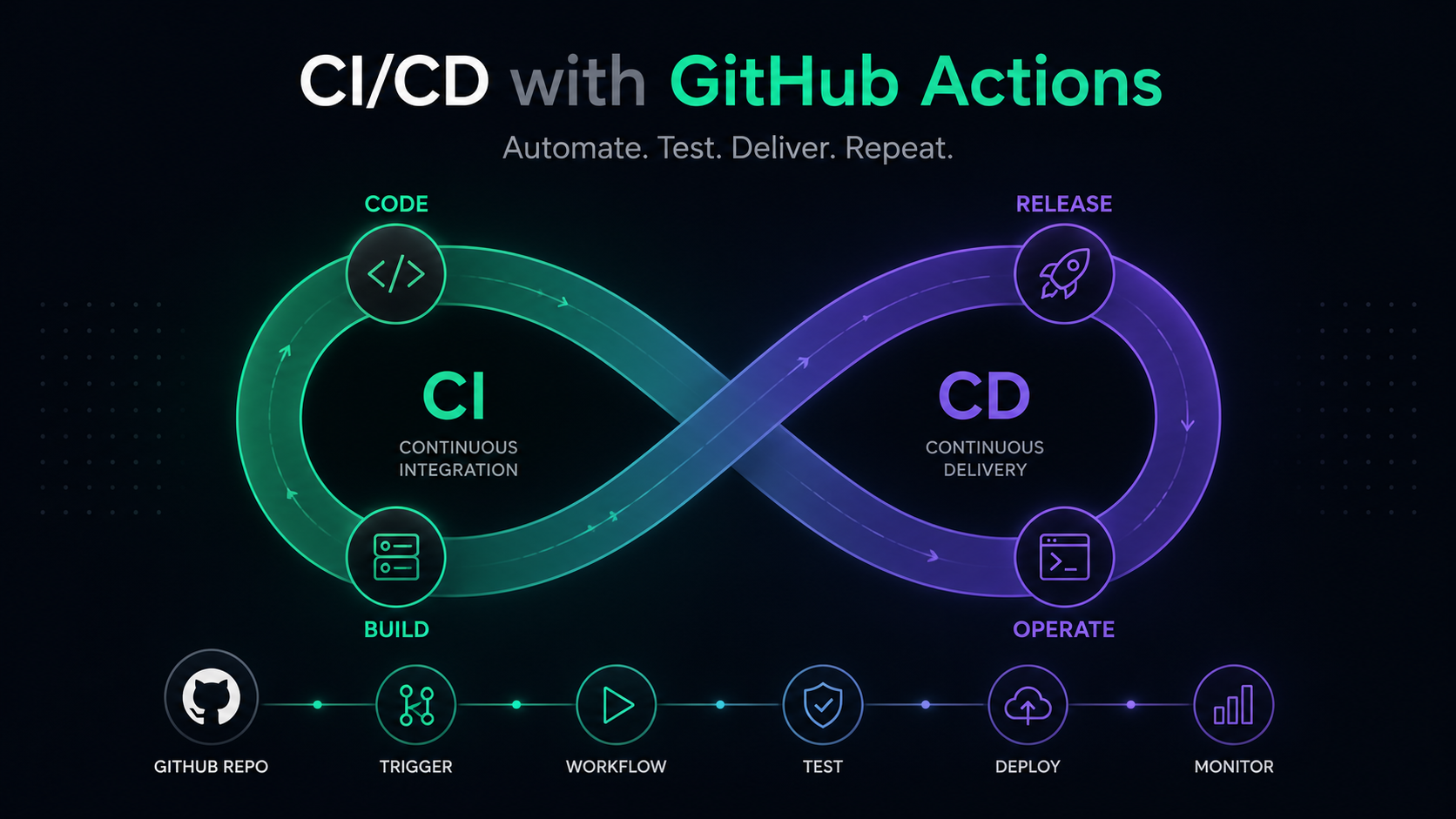
After years of working as a DevOps engineer, I've had the opportunity to implement CI/CD practices across various projects, witnessing firsthand how these tools transform the way teams develop and deliver software. Automating processes with solutions like GitHub Actions not only speeds up development cycles but also significantly improves the quality and reliability of deliverables.
In this article, I want to share the knowledge I’ve gained on setting up CI/CD pipelines using GitHub Actions. My goal is to show you how these practices can make a real difference in your projects, from optimizing workflows to ensuring faster and more consistent deliveries.
Why GitHub Actions is the Ideal CI/CD Solution
Modern software development demands agility, quality, y consistent delivery of new features and updates. Continuous Integration (CI) ensures that code changes from multiple contributors are systematically tested and merged, catching integration issues early. Complementing this, Continuous Deployment (CD) automates the release process, pushing validated changes seamlessly into production or staging environments.
In this context, GitHub Actions shines as a powerful and versatile platform for implementing CI/CD pipelines. Its native integration with GitHub repositories provides a streamlined experience, allowing teams to leverage repository events like commits or pull requests to trigger workflows. This tight coupling eliminates the friction of setting up external CI/CD tools, enabling teams to focus on delivering value rather than managing infrastructure.
What sets GitHub Actions apart is its flexibility and customizability. By defining workflows in YAML files, developers can craft pipelines that address their unique needs, from running unit tests and performing static code analysis to deploying applications across multiple environments. This adaptability ensures that GitHub Actions fits seamlessly into diverse development workflows.
Moreover, the GitHub Actions Marketplace enhances its functionality by offering a rich library of community-driven and enterprise-grade actions. These pre-built modules simplify the integration of common tasks, reducing the time spent on pipeline configuration and fostering faster adoption of CI/CD practices.
GitHub Actions also excels in scalability. Whether you prefer GitHub-hosted runners for convenience or self-hosted runners for greater control, the platform accommodates projects of all sizes and complexities. Its versatility ensures that startups, mid-sized teams, and large enterprises can all benefit from its capabilities without compromise.
By adopting GitHub Actions, teams unlock the potential of a unified, robust, and scalable CI/CD solution. Its seamless integration, extensive customizability, and active community make it an invaluable tool for modern DevOps practices, enabling organizations to deliver high-quality software with speed and confidence.
Setting Up a CI/CD Pipeline with GitHub Actions
1. Preparing Your Repository
Before setting up CI/CD pipelines, ensure the repository is ready:
- Maintain a clean branching strategy (e.g., GitFlow or trunk-based development).
- Define your application dependencies and build tools in files like
package.json,pom.xml, orrequirements.txt.
2. Configuring GitHub Actions
GitHub Actions workflows are defined in .github/workflows. Let’s walk through creating a pipeline for building, testing, and deploying an application.
Creating the Workflow File
Navigate to your repository and create a new workflow file:
mkdir -p .github/workflows
touch .github/workflows/ci-cd.yml
Writing the YAML Configuration
Here’s an example pipeline:
name: ArtOfDevops CI/CD Pipeline

on:
push:
branches: - main
pull_request:
branches: - main

jobs:
build:
runs-on: ubuntu-latest
steps: - name: Checkout code
uses: actions/checkout@v4

      - name: Set up Node.js
        uses: actions/setup-node@v3
        with:
          node-version: '16'

      - name: Install dependencies
        run: npm install

      - name: Run tests
        run: npm test

deploy:
needs: build
runs-on: ubuntu-latest
steps: - name: Deploy to Production
run: |
echo "Deploying application..."
3. Adding Secrets for Secure Deployment
Use GitHub secrets to store sensitive information like API keys or SSH credentials:
- Go to Settings > Secrets and variables > Actions.
- Add secrets such as
DEPLOYKEYorPRODUCTIONURL. - Access these secrets in your YAML configuration:
- name: Deploy with Secret Key
  env:
  DEPLOY_KEY: ${{ secrets.DEPLOY\_KEY }}
  run: ./deploy-script.sh
Best Practices for CI/CD with GitHub Actions
Modularize Workflows
Break large pipelines into modular workflows for better maintainability. Use the workflow_call event to trigger reusable workflows.
Caching Dependencies
Speed up builds by caching dependencies:
- name: Cache Node Modules
uses: actions/cache@v3
with:
path: node_modules
key: ${{ runner.os }}-node-${{ hashFiles('\*\*/package-lock.json') }}
restore-keys: |
${{ runner.os }}-node-
Ensure Code Quality
Incorporate tools like linters and code coverage:
- name: Run ESLint
run: npm run lint

- name: Generate Coverage Report
  run: npm run coverage
Parallelize Jobs
Leverage job dependencies to run tasks in parallel, reducing pipeline execution time:
jobs:
lint:
runs-on: ubuntu-latest
steps: ...

test:
runs-on: ubuntu-latest
steps: ...

build:
needs: [lint, test]
runs-on: ubuntu-latest
steps: ...
Monitor and Debug Pipelines
Use real-time logs and artifacts to monitor builds. Utilize continue-on-error for non-blocking tasks:
- name: Optional Step
run: echo "This may fail"
continue-on-error: true
Deploying with GitHub Actions
Deploying to Cloud Services
GitHub Actions integrates seamlessly with major cloud providers. Below is an example of deploying to AWS:
- name: Configure AWS Credentials
uses: aws-actions/configure-aws-credentials@v3
with:
aws-access-key-id: ${{ secrets.AWS\_ACCESS\_KEY\_ID }}
aws-secret-access-key: ${{ secrets.AWS\_SECRET\_ACCESS\_KEY }}
aws-region: us-east-1

- name: Deploy to S3
  run: aws s3 sync ./build s3://my-bucket --delete
Rolling Back Deployments
Automate rollbacks by keeping track of previous deployments:
- name: Rollback Deployment
if: failure()
run: ./rollback-script.sh
Advanced Techniques for GitHub Actions
Matrix Builds
Test your application across multiple environments using matrix builds:
strategy:
matrix:
node: [14, 16, 18]
os: [ubuntu-latest, windows-latest]
steps:
  - name: Setup Node.js ${{ matrix.node }}
    uses: actions/setup-node@v3
    with:
    node-version: ${{ matrix.node }}
Self-Hosted Runners
For custom environments, self-hosted runners can provide control over hardware and software configurations:
- Install the runner on your server.
- Register the runner with GitHub.
- Reference the runner in your workflow:
runs-on: self-hostedConclusion
Implementing CI/CD with GitHub Actions offers unparalleled advantages in modern software development. From seamless integration with repositories to flexibility in workflow design, GitHub Actions empowers teams to build, test, and deploy applications faster and more reliably. By following best practices, modularizing workflows, and leveraging advanced features, organizations can maximize the potential of GitHub Actions.